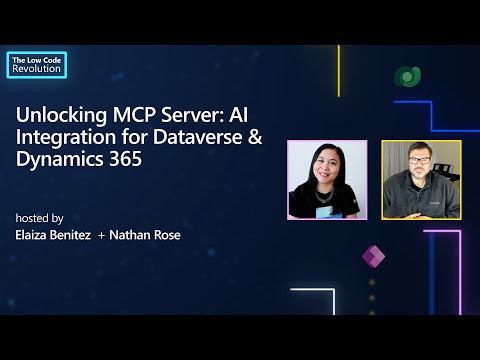
AI, Demos, • 01/07/2025 🚀 How to Set Up Model Context Protocol (MCP) with Dataverse in Power Platform | Step-by-Step Guide Previous How to Connect Dataverse to Copilot Studio with MCP | Fast, No-Code Agent Integration Demo Next Dynamics 365 vs Custom Model-Driven App: 7 Key Questions to Decide Which to Use You Might Also Like Nathan’s Public Speaking Confession WPPUG March 2024 Power Fx Everywhere with Nathan Rose and Rami Mounla How I got hired at a Microsoft Partner Aloha Guy meets Nathan Rose (MVP) - Part 4 Unlocking MCP Server: AI Integration for Dataverse & Dynamics 365
AI, Demos, • 01/07/2025 🚀 How to Set Up Model Context Protocol (MCP) with Dataverse in Power Platform | Step-by-Step Guide Previous How to Connect Dataverse to Copilot Studio with MCP | Fast, No-Code Agent Integration Demo Next Dynamics 365 vs Custom Model-Driven App: 7 Key Questions to Decide Which to Use You Might Also Like Nathan’s Public Speaking Confession WPPUG March 2024 Power Fx Everywhere with Nathan Rose and Rami Mounla How I got hired at a Microsoft Partner Aloha Guy meets Nathan Rose (MVP) - Part 4 Unlocking MCP Server: AI Integration for Dataverse & Dynamics 365